
LIVE MONITORPlay along.
Play along.
Hear your part.
Bring your voice or guitar into your headphones.
Keep the song beside you.
 Coming to iPhone
 For the singers. The strummers. You.
Your music is in your headphones.
Put your voice and guitar there, too.
Humstrum is built to send your iPhone’s microphone to your headphones, alongside music playing in another app. Compatibility still needs device testing.
Hear the ideaAn iPhone app in development · $2.99 once, planned

Wired headphones
LIVE MONITORInterface concept
Don’t just picture it. Hear the idea.
Play the backing track.
Then add the example guitar.
That extra layer is the idea: in Humstrum, it would come from your microphone.
Sound starts only when you press Play. Your microphone stays off.
Original synthesized example. It illustrates the mix—not the app’s audio quality or headphone delay. Stops after 30 seconds.
Your song. Your player. Your practice.
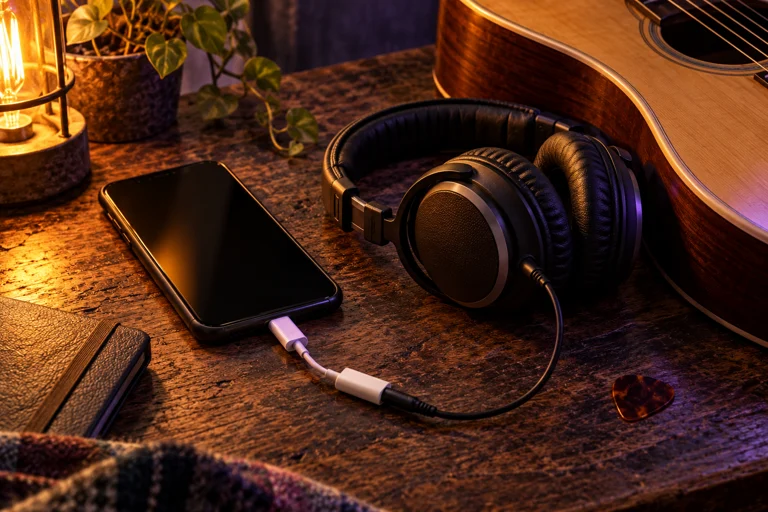
Start with wired headphones for live monitoring.
Play music in your usual app. Or practice without a track.
Sing or play near your iPhone. Gently raise the mic level to hear yourself alongside the music.
Your music player headphones
Your mic Humstrum headphones
Humstrum adds your microphone. Your music keeps playing in its own app. Player and headphone compatibility still needs device testing.
We’re trying wireless live monitoring, too. It’s experimental: Bluetooth delay may make singing or playing uncomfortable. Record & replay gives you another way to listen.
The details ↗Less guessing. More listening.
Hear what your microphone picks up.
Find the part you want to practice next.
Bring your voice or guitar into your headphones.
Keep the song beside you.

Record your mic for up to 20 seconds.
Listen back without having to sing.
Made for your “one more time.”
Microphone monitoring. Short record & replay.
No account. No ads. No subscription.
In development. Device testing and App Store review come next.
The small print, kept small.
An iPhone and headphones. Wired headphones are the recommended start for live monitoring. Audio interfaces need connected headphones. AirPods live uses the phone’s microphone and may feel delayed; record & replay is the alternative. Avoid live monitoring through speakers.
Humstrum is designed to request audio mixing from iOS. It doesn’t control or capture another app’s music. Compatibility depends on your player, iOS and headphones, and still needs device testing. Music from speakers can be picked up by the microphone.
It’s a microphone’s perspective. Your voice also reaches you through your head; Humstrum doesn’t cancel that bone conduction or recreate exactly what every listener hears.
The app is designed to keep audio on your iPhone, with no account, ads, analytics or cloud audio. One take stays in local cache until replaced, deleted or cleared by iOS, and is excluded from backups. This site has no added analytics or signup form; the host may process access information. Final publisher and support details will be added before release.